Nokkam drafts. Your engineer signs.
Nokkam is software for engineering firms, from enquiry to signed quote. It drafts the drawings, the quantities and the quote. Your team checks them, and your engineer signs.
 and individual architects
Your engineer starts from a checked draft, not a blank sheet. Code checks every number, every assumption is shown, and the person who signs stays the one who decides.
- 6steps in every session, the same in every trade
- 3trades mapped, stage by stage
- 5parts, from your workstation to the record
What happens between the brief and the signature?
Six steps, the same in every trade. You read the plan before anything runs, and you sign last. At each step there is Nokkam's work and there is yours.
Photographs on this page are generated illustrations.

- 01
Understand
NokkamRestates the task, says what done looks like, and asks one question at a time with a recommended answer.
YouCorrect it before anything runs.
- 02
Plan
NokkamNames every input with its source and marks each value stated or assumed. An assumed value pauses the plan.
YouConfirm, narrow or redirect.
- 03
Draft
NokkamWorks in a working copy, never your original. Every number is computed by a tool, not written in a sentence.
YouWatch it arrive, fix a value, or stop.
- 04
Check
NokkamRuns every check the plan named. Pass, fail, not applicable or could not run, never softened.
YouRead the findings.
- 05
Steer and sign
NokkamHands back one card: the decision in one line, what changed and what was checked.
YouApprove, approve with edits, reject or escalate.
- 06
Record
NokkamApplies the signed change and writes it to the ledger.
YouNothing more. The signature was yours, never Nokkam's.
Can a draft go out on its own?
No. There are two endings and no third, and neither sends anything unsigned. They are how the product is built, not a disclaimer.
Handed back with a record
The plan it followed, what it changed, the checks it ran and the sources it read. Your team can read it and an auditor can check it.
Stopped, with the question in plain words
When the standard is unclear or the drawing contradicts the brief, the work stops and asks. A question costs a minute of your time. A wrong answer costs a revision.
- Apply a change to a model
- Issue a document
- Send anything outside the team
- Spend beyond the agreed budget
- Judge compliance by model. Verdicts come from versioned, cited code
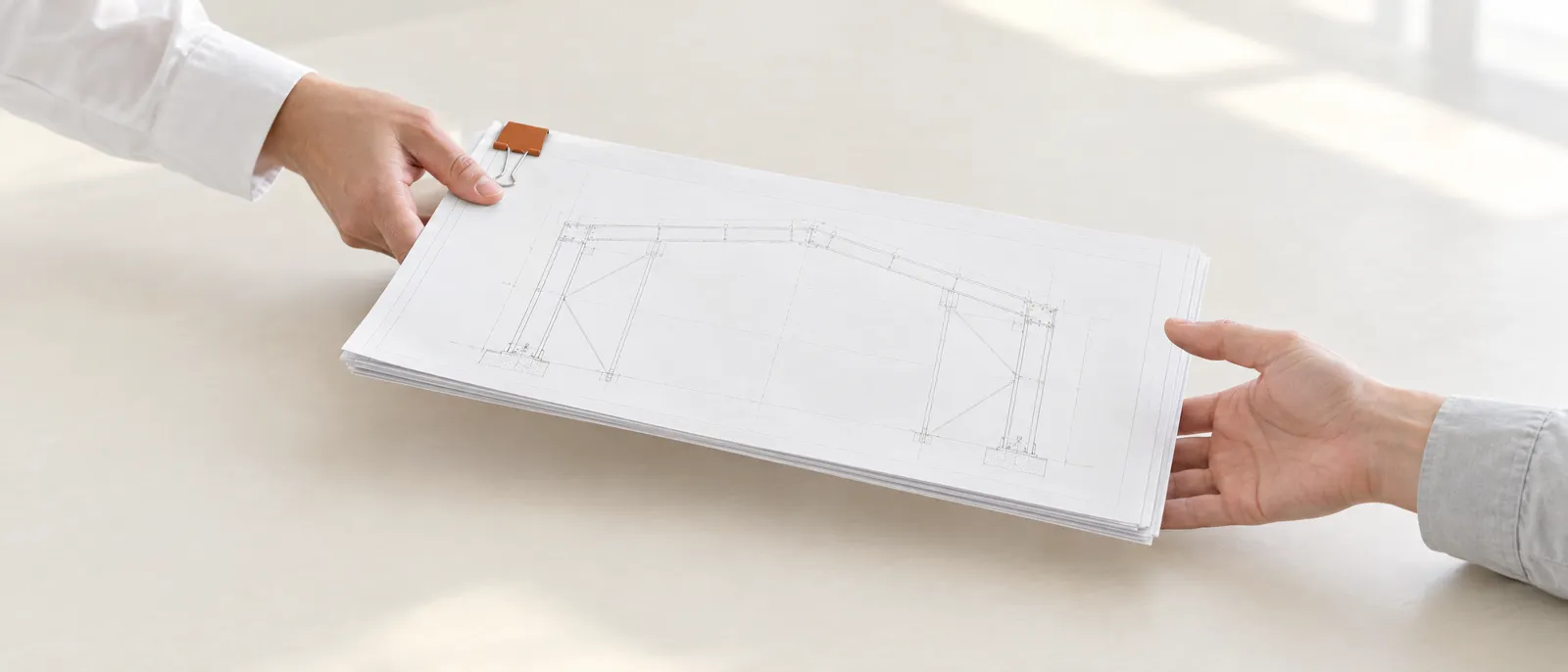
How does a whole team work on one job?
Inside the job, not in a forwarded chat. Each person sees what is waiting for them, and every hand-off carries the plan, the checks and the record behind it.
- 01The estimator starts the quote from the enquiry, and signs nothing.
- 02The senior engineer checks the draft and signs the frame.
- 03The director signs the quote, and every change after it.
Which trades does Nokkam work in?
Engineering only, and every trade runs as stages with a signed gate between them. Structural fabrication and architecture are in pilot. MEP is open to design partners. Electrical panels were explored on a real drawing. Mechanical equipment is planned.

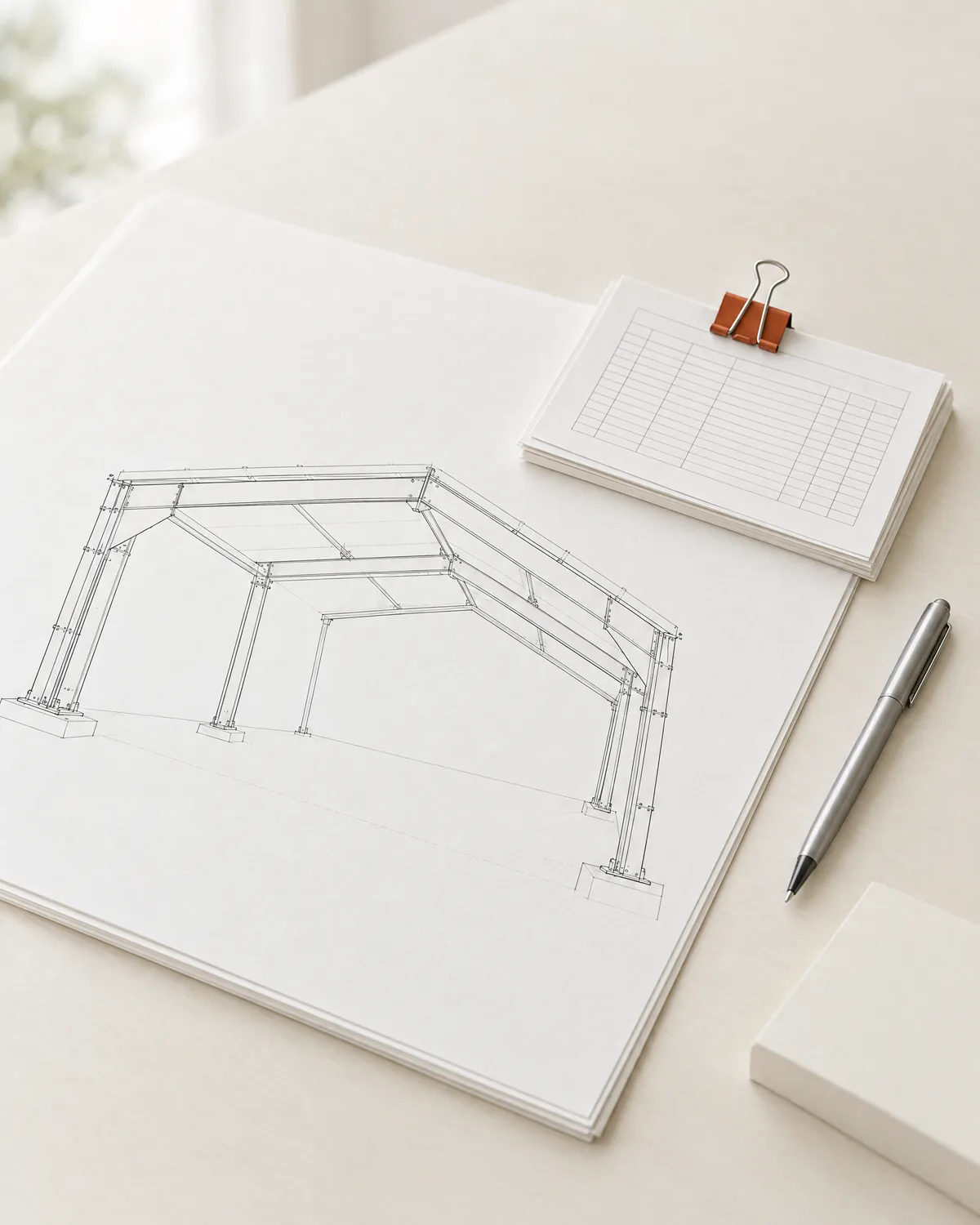
Every quote waits for the one or two engineers who can size a frame.
When a client changes the span, the whole quote starts again.
Nokkam drafts the frame, the drawings, the quantities and a quote on the shop's own rates.
Nothing reaches the client until the shop's engineer signs it.
- Concept and quoteIn pilot
- Award and designPlanned
- DetailingPlanned
- Fabrication and sitePlanned
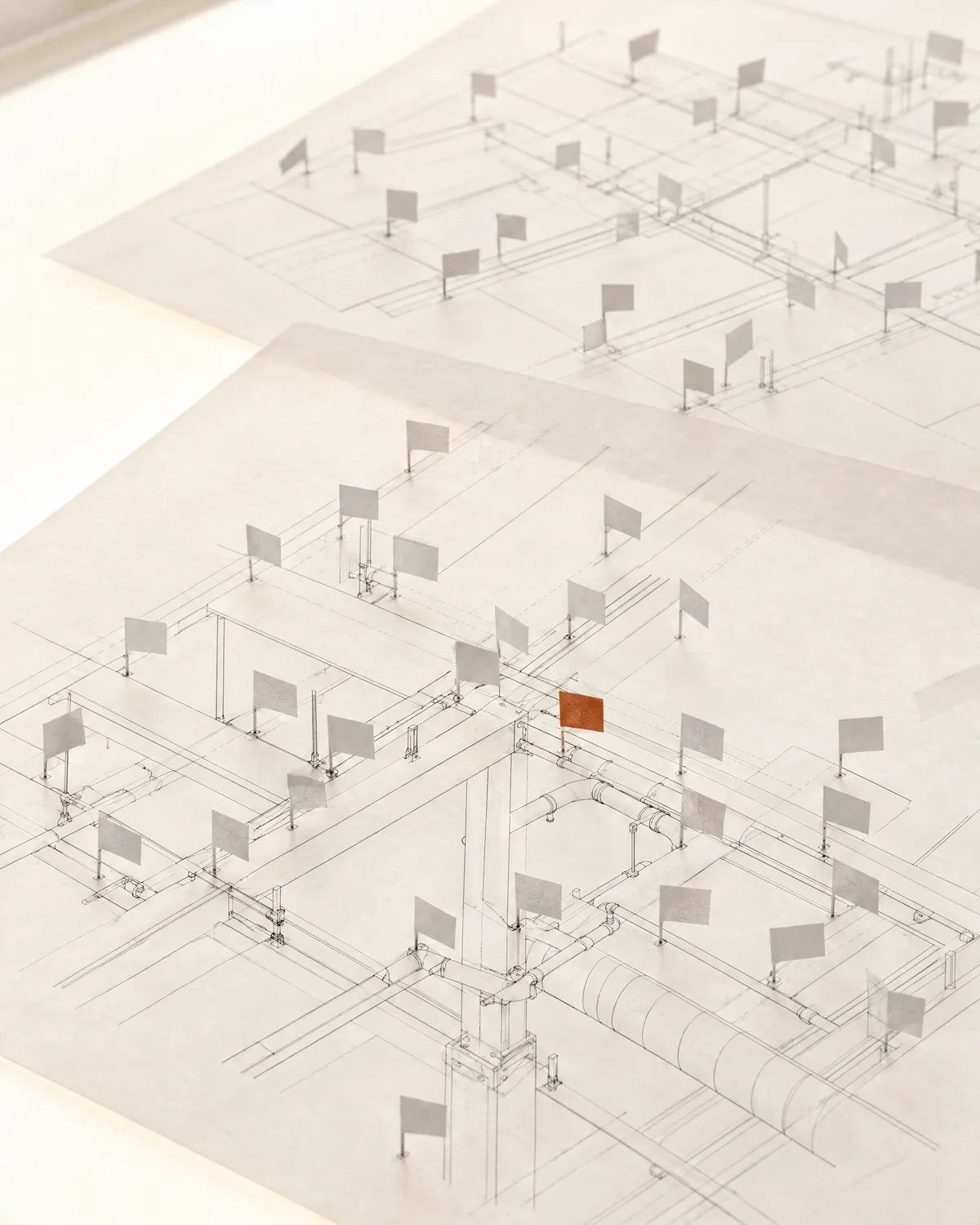
Thousands of clashes in every run, most of them duplicates, sorted by hand.
Imported CAD lines and furniture add more of them.
Nokkam groups the clashes by root cause and gives each one an owner.
The project architect signs every stage.
- Conceptual
- Schematic
- Detailed design
- Tendering
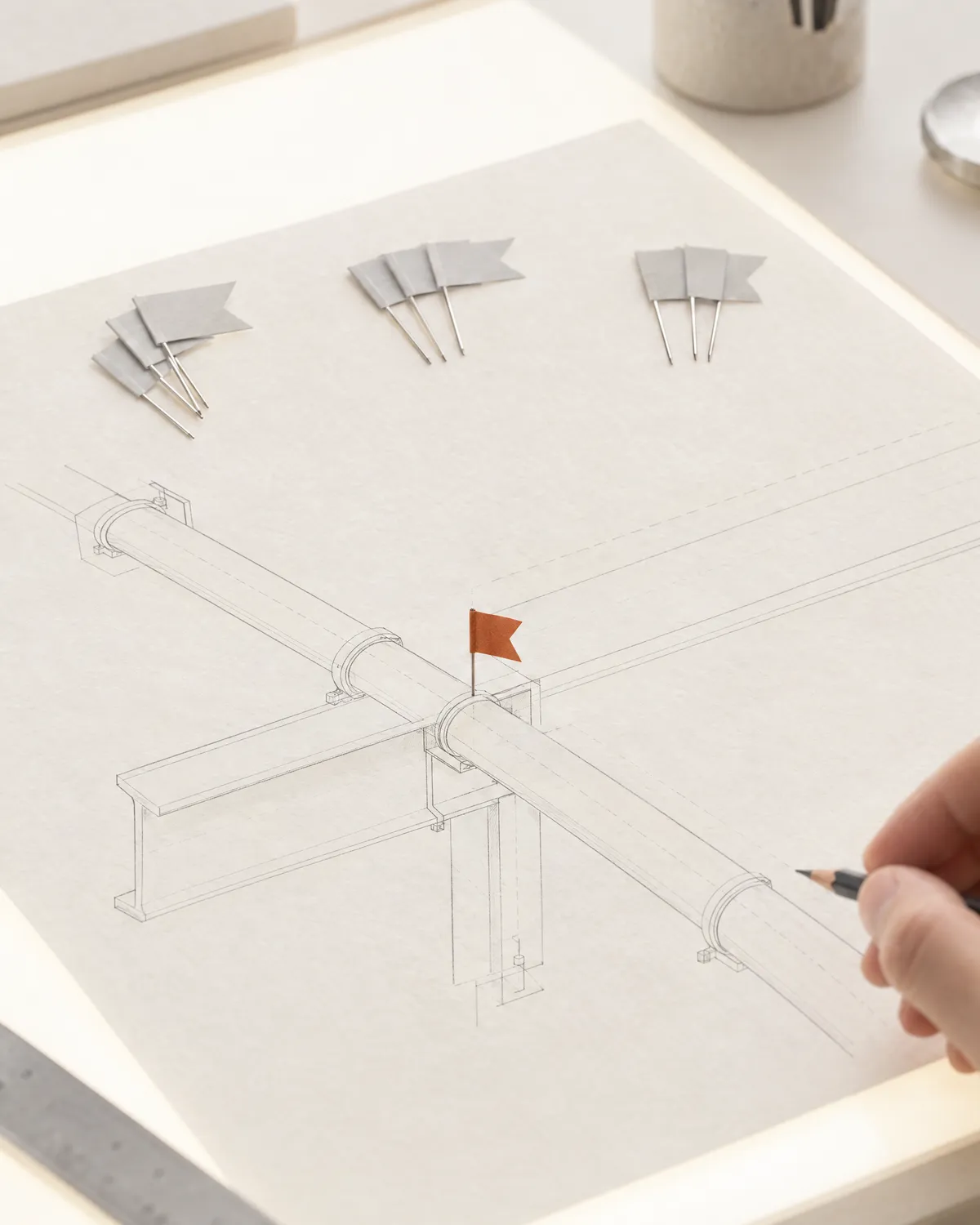
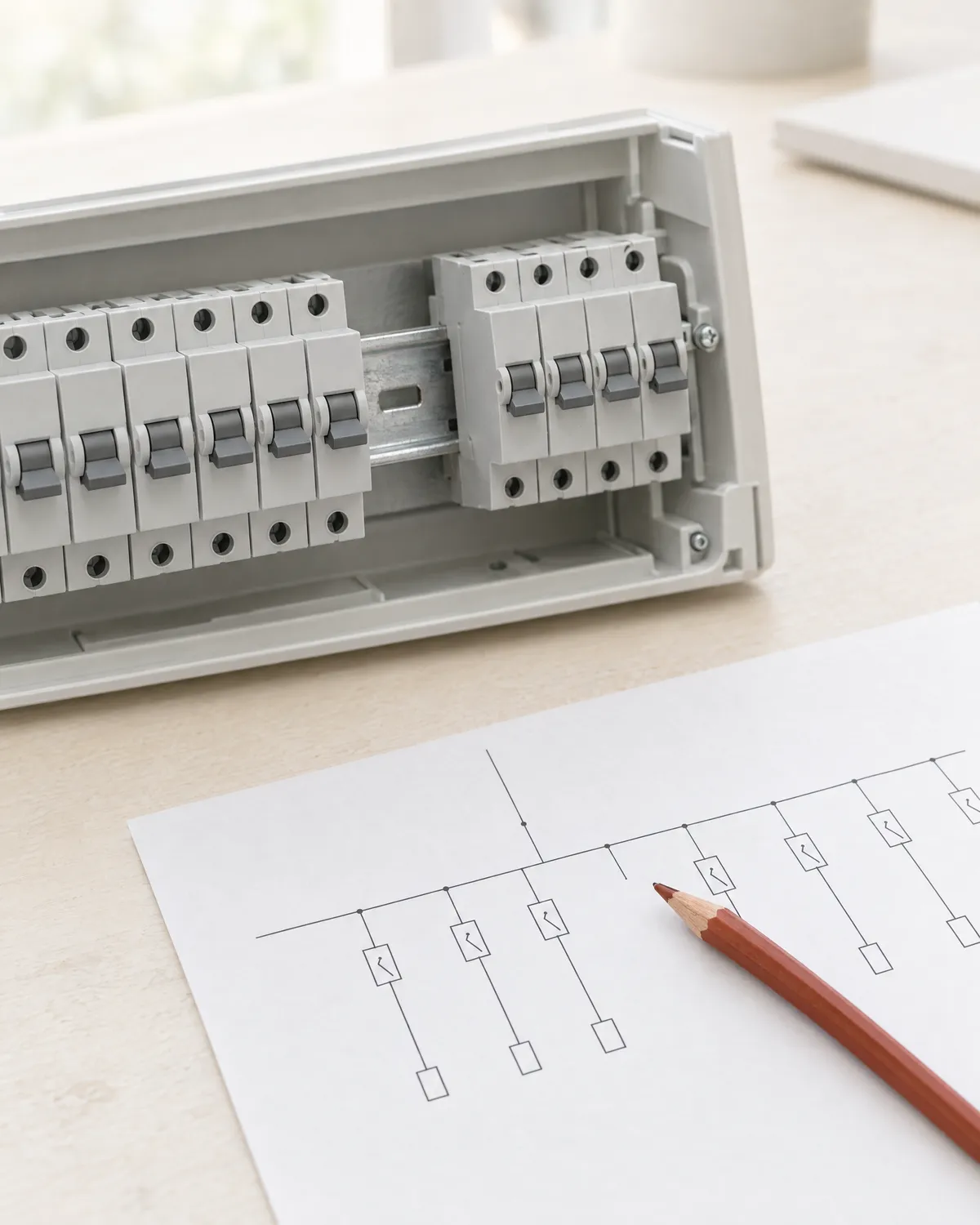
A concept drawing can leave out parts the panel needs.
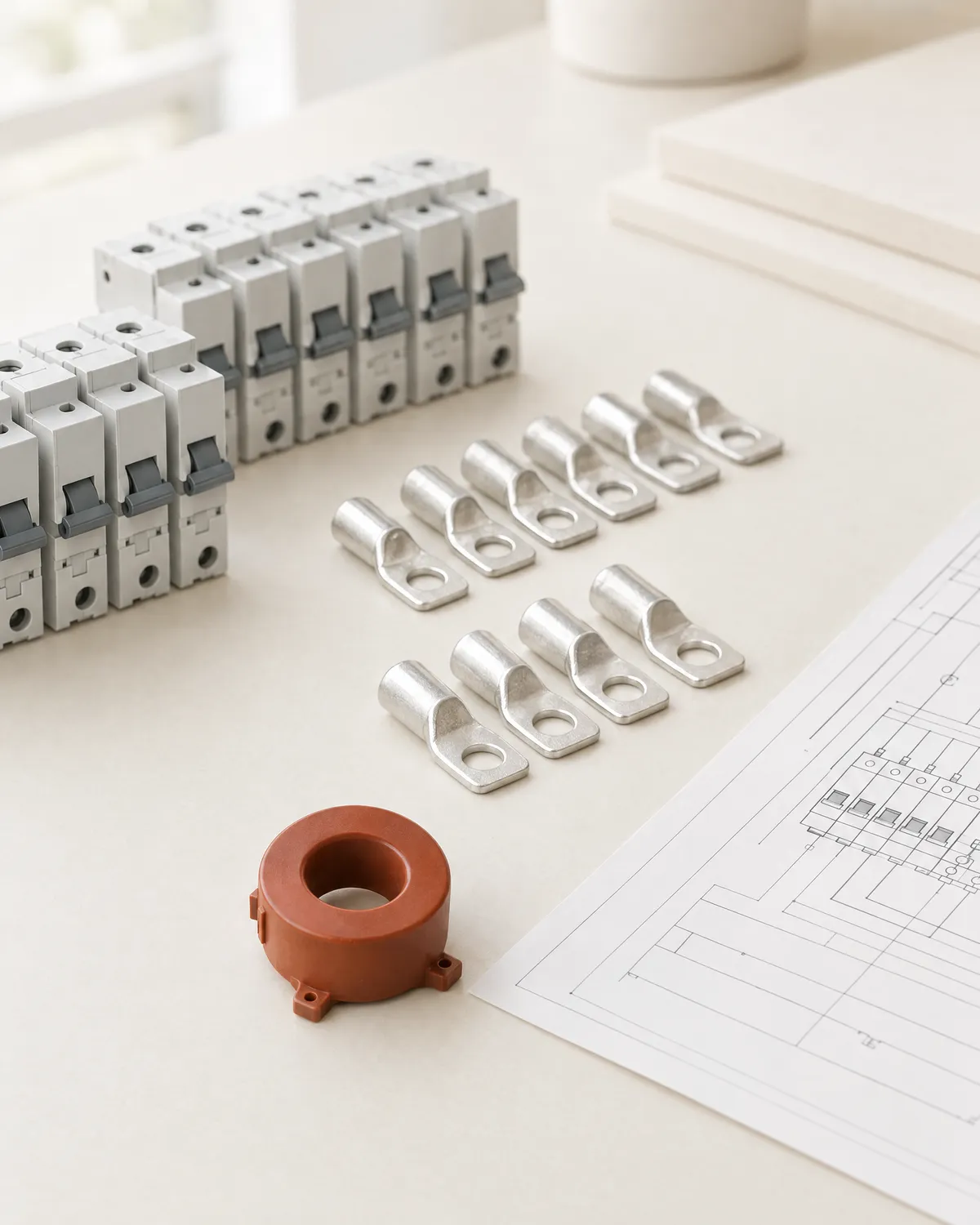
On one real drawing we worked from, the power factor controller needed current transformers the drawing did not show.
Nokkam reads the single line diagram and drafts the layout drawings and a bill of materials that marks every line as read from the drawing, derived, or estimated.
Nothing is for construction until a licensed electrical engineer signs.
- Drawings and materialsExplored
- Low voltage distribution onlyBoundary
What does a firm get?
Five parts, from the application on your workstation to the record an auditor can check.
Nokkam Desk
The application on your own workstation. It opens a project, runs sessions and keeps working copies beside your originals.
Nokkam CoDraft
The session: a thread where you brief the work, the drafts Nokkam brings back, and the log of what it did.
The packs
What Nokkam knows about a trade. Your own rates, stock and standards never leave your firm.
The record
Who, when, the action and the object, each entry chained to the one before it.
The channels
How work comes in and goes out: the files you export, and sheets and quantities back.
In pilot, on real work.
With a fabrication firm and individual architects, and our team beside them.
Where it stands
One query answers who signed what, against which standard, and when.
- Each entry holds who, when, the action, the object and its hash, and the hash of the entry before it.
- Anyone on the project reads it. An auditor verifies and exports it. Nobody edits it.
On your machine, in a working copy. No original changes until it is signed.
Nothing, through a pane. A model reaches Nokkam only as a file a person exported.
Never train anything. Your rates, drawings and past jobs are never used for another firm.
How files are handled, where they are kept and who can see them, written down in full.
Data handlingWho is Nokkam in pilot with?
A fabrication and erection firm, and individual architects, on their real work, with our team beside them.
Structural fabrication Fabrication and erection, HVAC duct and piping works. Nokkam runs on their real enquiries, with our team beside their estimator. Where does Nokkam stand today?
In pilot today, on real work. Live comes next.
On real work with our pilot partners, with our team beside them.
Next: a firm running Nokkam on its own enquiries, without us beside it.
Bring one real job.
We will tell you straight whether Nokkam can carry it. Places are open in structural fabrication, architecture and BIM, and MEP and HVAC, a few firms per field on founding partner terms.
What do firms ask first?
Whether it replaces their engineer. It does not. Nokkam drafts, and a named person decides.
Does Nokkam replace our engineer?
No. Nokkam drafts, and a named person approves, edits, rejects or escalates every decision. It never signs, and it never calls its own work approved.
Where is Nokkam running today?
In pilot with ANUGRAH Engineers, on their real structural fabrication enquiries, and with individual architects. Design partner places are open in architecture and BIM, and in MEP and HVAC.
Can one engineer use it alone?
Yes. Working alone, one engineer holds every role and can invite the team later. With a team, an admin sets per project who may start which work and who may sign what.
How are the numbers checked?
By code, never by the model. Every number is computed by a tool, every rule check names its clause and pack version, and each result reads pass, fail, not applicable or could not run.
Does it work with our CAD software?
It works from the files your team exports, and sends sheets and quantities back as files. A pane inside your CAD tool comes later.
Is our data used to train anything?
No. Your rates, drawings and past jobs never train anything and are never used for another firm. The work happens on your machine, in a working copy.
Data handlingWhat does it cost?
There is no public price yet. Design partners work with us on founding partner terms.